Remote homelab access failing? Learn how to diagnose CGNAT, fix dynamic IP issues, and set up DDNS to restore reliable remote access fast.
Continue Reading
Remote homelab access failing? Learn how to diagnose CGNAT, fix dynamic IP issues, and set up DDNS to restore reliable remote access fast.
Continue Reading
Learn how MSPs can streamline remote device management across multiple customer networks. Simplify workflows, improve efficiency, and ensure secure, consistent access.
Continue Reading
DigiCert’s SSL certificate validity changes on March 15th. Learn about the new 199-day validity period and how it impacts your security setup. Stay ahead of the change.
Continue Reading
Learn the basics of the DiG command and discover how you can use it for DNS lookups and troubleshooting.
Continue Reading
A dynamic DNS service reliably allows you to access your devices remotely. Learn more with No-IP.
Continue Reading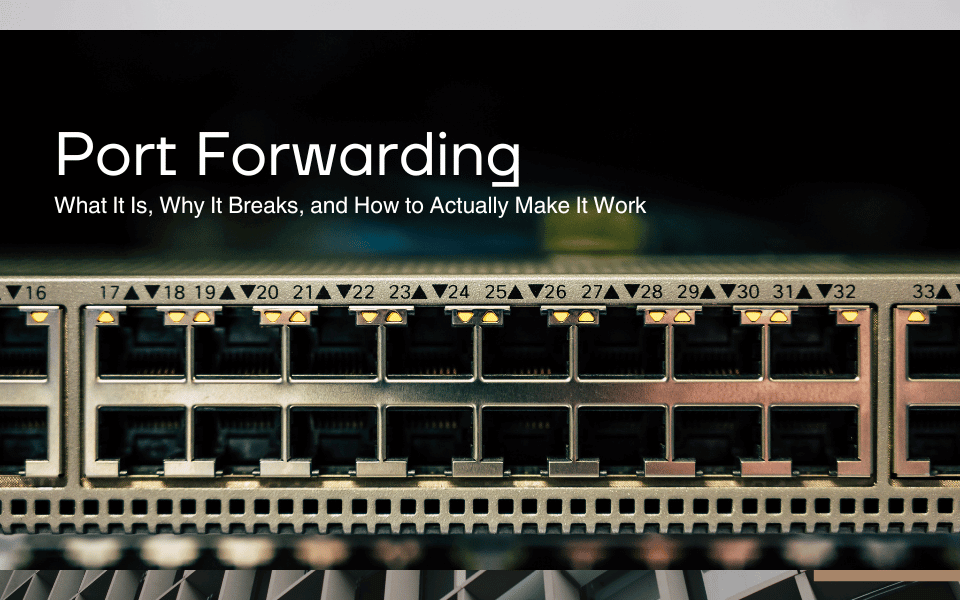
Struggling with port forwarding? Learn what port forwarding is, why your port forward isn’t working, and how to set it up step by step. No-IP makes it simple.
Continue Reading
Discover smart, practical ways to secure remote employees this summer. Learn top tools, Dynamic DNS benefits, and No-IP’s tips for safe remote access.
Continue Reading
Do you know the importance of DNS records in managing your online presence? Our latest blog simplifies the complexities of A Records, MX Records, and more.
Continue Reading
At No-IP, we are proud to offer integrated DDNS solutions for all your remote devices. With our Dynamic Update Client, you can stay connected easily.
Continue Reading
Embrace the power of RSS Feeds to curate your own personalized information hub. Stay informed, stay organized, and stay ahead of the game.
Continue Reading